
Turning your venue into a professional karaoke space comes down to four parts: software, control, audio and visuals. Get those right, follow this step by step guide, and you have a karaoke setup that fills quiet nights and keeps people singing from the moment guests arrive. This guide walks you through every stage with Lucky Voice Karaoke For Business, the UK's only karaoke software provider and operator, built on more than 20 years of running our own karaoke bars in London, Brighton and Dubai.
We know what gets guests on their feet because we do it every night in our own rooms, and that experience runs through every tip below.
Who This Karaoke Installation Guide Is For
This karaoke installation guide is written for bar, pub, club and hospitality venue owners using Lucky Voice Karaoke For Business. It works for open mic karaoke on the main floor and for private karaoke rooms guests book by the hour.
Here is how installation works. Your own AV contractor handles the physical install, the cabling and the hardware. Lucky Voice provides the commercial karaoke software, the fully licensed song library, your venue licensing and remote technical guidance throughout. You bring the room and the AV team, we bring two decades of operator know-how and a karaoke platform that powers real venues.
Before you buy anything, understand what you are installing. Karaoke setups split into two types: software only, which runs on your existing AV, and dedicated karaoke products such as our all in one units. That choice shapes everything that follows, so let's start with planning.
Planning Your Karaoke Offering
Good karaoke installation starts before the first speaker goes up. Planning means deciding your format, your audience and your money, so a simple setup scales neatly into a commercial one.
Define Your Karaoke Format
Your format shapes everything else. Pick one of three models based on your floor plan and crowd:
Run open stage karaoke out front for big, social walk-in nights.
Offer bookable private karaoke rooms for groups who want their own space.
Combine both in a hybrid setup, with open mic out front and rooms at the back.
Then get specific. Decide your operating hours, karaoke layout, how often karaoke runs, and whether it is a core weekly event or reserved for private bookings and corporate packages. A Tuesday night needs different staffing to a Saturday room turning over four bookings.
Audience And Revenue Goals
Karaoke earns its keep when the right package meets the right crowd. Identify your target groups first: after work drinkers, students/Gen Z, families, hotel guests or corporate teams. Each one spends differently and responds to a different hook.
Set clear revenue goals per room and per karaoke night, built around drink and food bundles, minimum spends and easy upsells like premium song lists or VIP lighting. A private room with a two hour minimum spend earns more per head than a free-for-all on the main floor. Once you know your concept and numbers, choose the Lucky Voice system that fits your venue.
Choosing Your Lucky Voice System Type
Lucky Voice offers three routes into commercial karaoke, and the right one depends on your existing AV and your space. The options are software only, the Singstation all in one unit, and the Singing Tablet for flexible, roaming setups.
Overview Of System Options
Software only puts our enterprise karaoke software on your device, plugged into the screens and speakers you already own. The Singstation is our most popular all in one, plug and play karaoke system, simple to set up and ideal for a fixed karaoke corner. The Singing Tablet is an all in one professional karaoke solution that moves between rooms and events.
As a rule, software only suits venues with strong AV in place. Stations and tablets suit new karaoke rooms or flexible event spaces where you want control and audio in one tidy unit.
Matching System To Venue Scenarios
This table matches common venue scenarios to the system that fits best.
| Venue scenario | Recommended system type | Why it fits |
|---|---|---|
| Traditional pub with existing PA | Software only | Uses your existing speakers and screens for a lower upfront cost |
| Bar adding one fixed karaoke corner | Singstation all in one unit | Compact footprint with integrated controls and a clear lyrics display |
| Hotel with several private karaoke suites | Software plus tablets in each room | Flexible guest control across multiple rooms with central management |
| Event space needing mobile karaoke | Singing Tablet with portable PA | Easy to move between rooms and events with wireless connectivity |
Once you know which system you are installing, confirm the equipment your venue needs to run it.
Equipment And Infrastructure Checklist
Every commercial karaoke setup relies on the same tech checklist, whether you build from scratch or upgrade. The essentials are microphones, an audio mixer, loudspeakers, display screens, a control tablet or PC, stable internet and the right cabling.
Core Hardware For Commercial Karaoke
Here is the core hardware every venue needs:
Add wireless microphones, ideally two mics so duets never wait.
Fit a mixer or audio interface to balance vocals against the backing track.
Install loudspeakers rated for commercial use and your room size.
Mount display screens or a projector that shows lyrics clearly.
Set up a control tablet or PC to run the Lucky Voice software.
Secure stable internet plus tidy, safe cabling throughout.
Commercial grade audio equipment for bars and microphones matter most here, because sound quality makes or breaks the karaoke experience. Confident singers come back, and nobody feels confident through a tinny mic and muddy speakers. Two mic inputs as a baseline keeps the energy flowing and delivers the professional sound your guests expect.
Using Existing AV Versus New Install
Many venues already own most of what they need. Audit your existing PA system, screens and lighting, then decide what you reuse and what you upgrade for proper karaoke clarity. An old pub PA often handles backing tracks fine but struggles with live vocals, so test first.
Building new rooms is different. For multi room karaoke, plan soundproofing between rooms, a reliable power supply per room and dedicated fuses as standard. This stops rooms bleeding into each other and protects your kit. With the hardware mapped out, move on to the physical install.
Room Layout And Physical Installation
Where you place each screen, speaker and seat decides how the night feels. A strong karaoke installation puts lyrics in clear view, sound in the right zone, and walkways free of trip hazards.
Positioning Screens And Speakers
Place your screens so lyrics are easy to read from the stage and from where guests sit. Avoid glare from windows or spotlights, and keep sightlines clear of pillars. A singer squinting at the words soon sits back down.
Speaker placement is about balance. Position external speakers to deliver immersive sound across the singing area without overpowering the rest of the venue. During the sound check, test the volume in the corners too, so every seat gets clean, even audio and noticeably better sound.
Seating, Access, And Safety
Lay out seating that keeps sightlines open, leaves room for performers, and gives staff space to serve food and drinks mid song. The best karaoke rooms feel social, so guests stay, spend and sing more.
Safety comes down to cables. Tidy cable management, secure mic stands and wireless microphones keep the stage and walkways clear of trip hazards. Wireless mics also give singers more freedom to roam, which lifts the party atmosphere. Once the layout is set, wire and calibrate the sound system.
Sound System Setup And Calibration
Sound is the make or break of any karaoke setup. The goal is a clean signal chain from your Lucky Voice playback device through the mixer to your PA, with vocals sitting clearly over every backing track.
Wiring And Signal Flow
The standard signal flow runs from the Lucky Voice playback device into your audio mixer or interface, then out to the venue PA or dedicated speakers. Keep that chain simple and labelled so future fixes take minutes.
With the chain wired, connect your microphones and dial them in:
Connect both wired microphones or wireless mics to separate mixer channels.
Set input gains so each mic is loud and clear without feedback.
Configure basic EQ to keep vocals crisp over the music.
Good audio mixing here separates a karaoke party from a noisy mess.
Testing And Troubleshooting Audio
Always test your sound before loading a karaoke track. Exit the Lucky Voice software and play a simple source like a YouTube video to confirm the speakers, mixer and cabling work on their own.
If there is no sound, work through this checklist:
Check the mixer levels and system volume sliders first.
Open the sound mixer and confirm the Lucky Voice volume slider is up.
Confirm the output channel is routed to the right speakers.
Try a different USB or audio port, or swap in another speaker to isolate the fault.
This is the exact routine our own teams use, and it solves most audio issues on the spot. Once audio is calibrated, connect the screens.
Screen, Projector, And Visual Setup
Visuals carry the words and set the mood. Lucky Voice connects to TVs, smart TVs and projectors, giving you flexible display options for any room.
Connecting Display Devices
Connect your karaoke device to TVs or projectors using HDMI for the cleanest, most reliable picture. Smart TV integrations suit compact corners, while smart projectors suit larger rooms needing a bigger lyrics display. Aim for a sharp, high resolution output so every word reads clearly from the back.
For multi room venues, fit an individual screen in each room and run central control where it makes sense. One tip from our own rooms: power on the TV or second screen before the PC, which keeps the lyrics display mapping correctly.
Optimising Readability And Atmosphere
Match your screen size and brightness to the room. Pick a display large enough to read lyrics from typical singing distances, and set brightness so words stay crisp without bleaching under venue lighting.
Lighting brings the party atmosphere alive. Dim the main lights, then add LED strips or disco effects that lift the mood without washing out the screen. With visuals in place, install the Lucky Voice software.
Installing And Configuring Lucky Voice Software
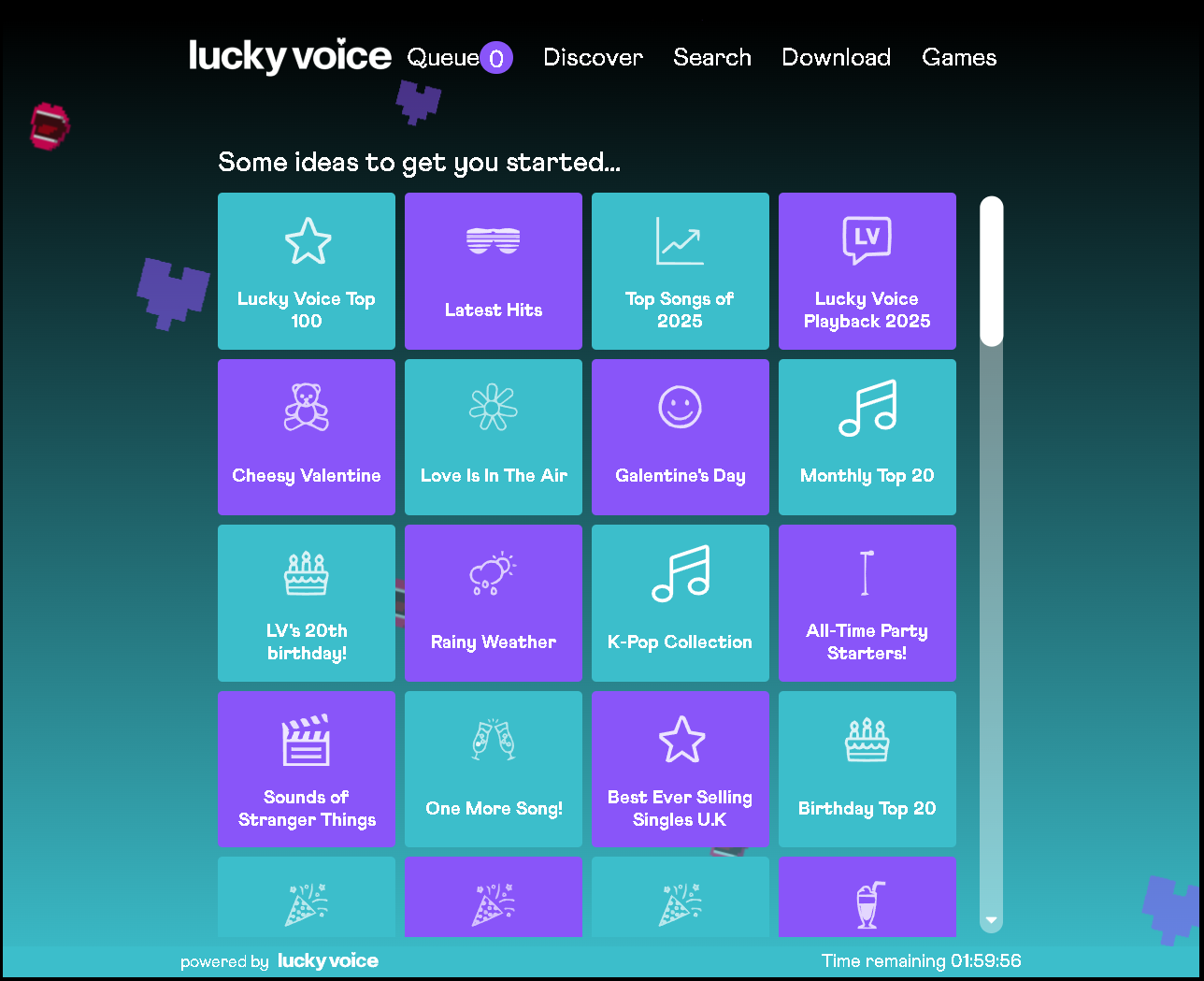
The Lucky Voice software is the engine of your karaoke system, and setup takes only a few steps. As an all in one solution, it pairs licensed songs, smart search and session management in one place, so you sign in with your venue licence and run fully licensed karaoke sessions in minutes. Unlike consumer karaoke apps, it is built for the demands of a busy commercial venue.
Software Installation And Licensing
Install the Lucky Voice Karaoke For Business software on your control PC or tablet, then sign in with your venue's licence details. The software gives you thousands of fully licensed songs, smart search, custom playlists and central management of every song queue and session. These features are designed for staff to run with minimal training.
New songs land every month, so your karaoke songs stay current with the latest hits and classic anthems. That fully licensed library also keeps you compliant with commercial karaoke licensing in England, Wales and Scotland, which protects your venue.
Network, Connectivity, And Offline Options
Reliable karaoke needs reliable internet. Lucky Voice streams thousands of songs online and also runs offline, so a wobbly connection never stops the music.
Internet Requirements
Set up a stable internet connection that comfortably handles streaming and full access to the Lucky Voice song library. Stability matters more than raw speed, so prioritise a connection that holds steady on your busiest nights.
Two practical moves make a difference:
Use a wired connection wherever possible for the karaoke device.
Separate karaoke traffic from guest WiFi so a room full of phones never slows the music.
Backup And Offline Ready Approaches
Lucky Voice works online or offline, so prepare for nights when connectivity dips. Keep the offline ready content loaded and a backup plan in place, and your karaoke night carries on even if the broadband does not. Check your network hardware regularly and keep the software updated so nothing trips you up during peak sessions. With the foundations ready, it is time to launch.
Launching Your Karaoke Offering
A strong launch turns a new karaoke setup into a packed night fast. The plan has two parts: a soft launch to test everything live, and a promotion push to fill the room.
Soft Launch And Live Testing
Run a soft launch night with staff and regulars before opening wide. Use it to test the system end to end, spot issues, and fine tune sound, screen positions and lighting under real conditions.
Work through a clear pre launch checklist:
Test every microphone and confirm spare batteries are charged.
Check all display screens show lyrics clearly from each seat.
Load and play sample songs to confirm queues run smoothly.
Confirm internet performance under a busy load.
Set up an emergency backup with offline tracks ready.
Promotion And Packaging
Promotion fills the room. Push your karaoke nights across social media, put up in-venue posters, and mention karaoke in your booking confirmation emails.
Packaging drives spend per head. Build karaoke packages around drinks bundles, room hire with a minimum spend, and themed karaoke nights that give people a reason to book. A well priced package turns a casual sing into a planned night out. With the launch handled, support your team with training.
Staff Training And Operational Procedures
Confident staff run better karaoke nights. Lucky Voice is built for minimal training, so your front of house team picks it up quickly and spends their energy on guests.
Training Front Of House Teams
Keep training simple with short modules covering the essentials:
Show staff how to start and stop sessions with management codes.
Teach them to help guests choose songs and manage the queue.
Walk through basic troubleshooting such as the restart shortcut and no sound checklist.
Keep the controls intuitive and menus uncluttered so staff manage busy nights without stress.
Working With AV Partners And Support
Behind every Lucky Voice karaoke bar sits PSA, the expert AV team that handles our own installations and can take on full installs or upgrades for your venue. For day to day tech, Lucky Voice IT support covers last minute issues like audio routing or software performance.
Reach the team Monday to Friday, 9am to 5pm, by email at itsupport@luckyvoice.com or phone on 01322 721372. To get a fix faster, have your business name, pod ID and a clear description of the issue ready. With support sorted, plan how you scale.
Closing Thoughts
Ready to fill your quiet nights? Explore the full Lucky Voice Karaoke For Business range, browse the help centre for setup support, or speak to our team about the perfect system for your venue. Built by operators, used by operators, and ready to get your guests singing.
Ready to start? Find out more about elevating your venue with professional karaoke software at Karaoke For Business.
Lucky Voice Karaoke for Business
Transform your venue with professional karaoke solutions.
From software to hardware – everything you need for an unforgettable karaoke experience!
Our Solutions
Why Choose Us
- 20 years of know-how in karaoke
- Personal support with your own dedicated Account Manager
- Tailored solutions with personalised setup guidance
- Industry-leading technology that brings joy and keeps customers coming back