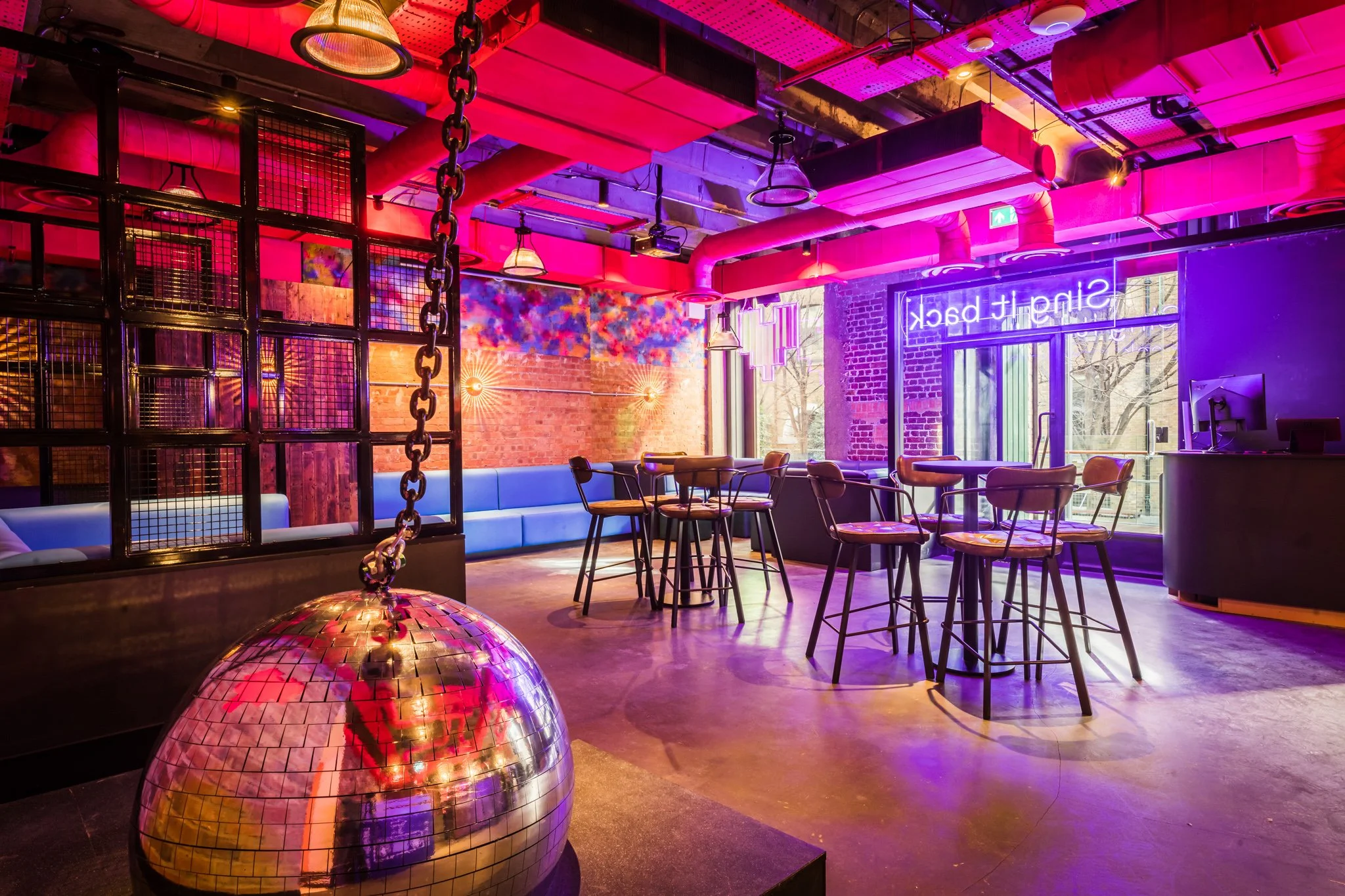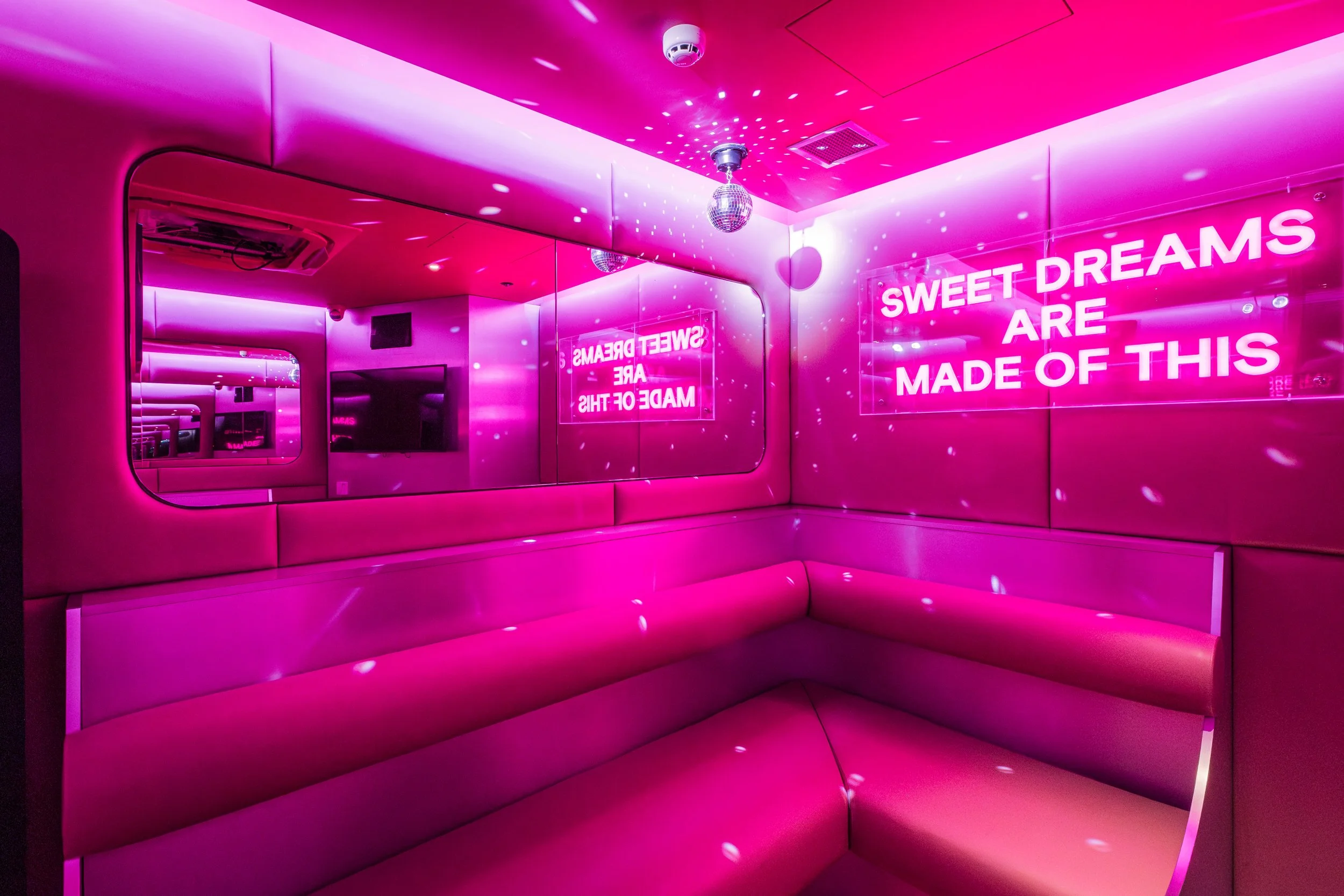
How to set-up karaoke for your business
Learn how to set up karaoke for your business!

Is karaoke worth it for my business?
Karaoke can quickly turn underused midweek slots or quiet corners of your venue into high-energy, high-spend experiences that keep customers staying longer and spending more on food and drink.
Studies of UK venues show that on karaoke nights, average customer spend can increase by up to 42%, with some bars also reporting drink sales uplifts of around 35% compared to regular nights.
*Data taken from Aalto University
Beyond the numbers, karaoke creates a social, shareable experience that encourages repeat visits, private bookings, and word-of-mouth marketing for your bar, pub, restaurant, hotel, or entertainment space.
Lucky Voice karaoke software
To get started, you only need a few core components that most venues either already have or can add with minimal disruption. Think of your setup in four parts: software, control device, audio, and visual.
Basic karaoke equipment checklist:
Lucky Voice karaoke software with thousands of fully licensed songs.
A control device (touchscreen or tablet) for browsing songs and managing queues.
Microphones (wired or wireless), plus a mixer or audio interface.
A screen or projector for lyrics (TV or projector).
Your existing PA system or dedicated speakers and amps.
A stable internet connection (with offline-ready options as backup).
If you already have a sound system and screens, you can often plug in a software-only solution and be “karaoke ready” with minimal extra hardware. For venues that want a complete, plug-and-play option, Lucky Voice offers pre-configured systems that come with the right spec karaoke-ready interface.
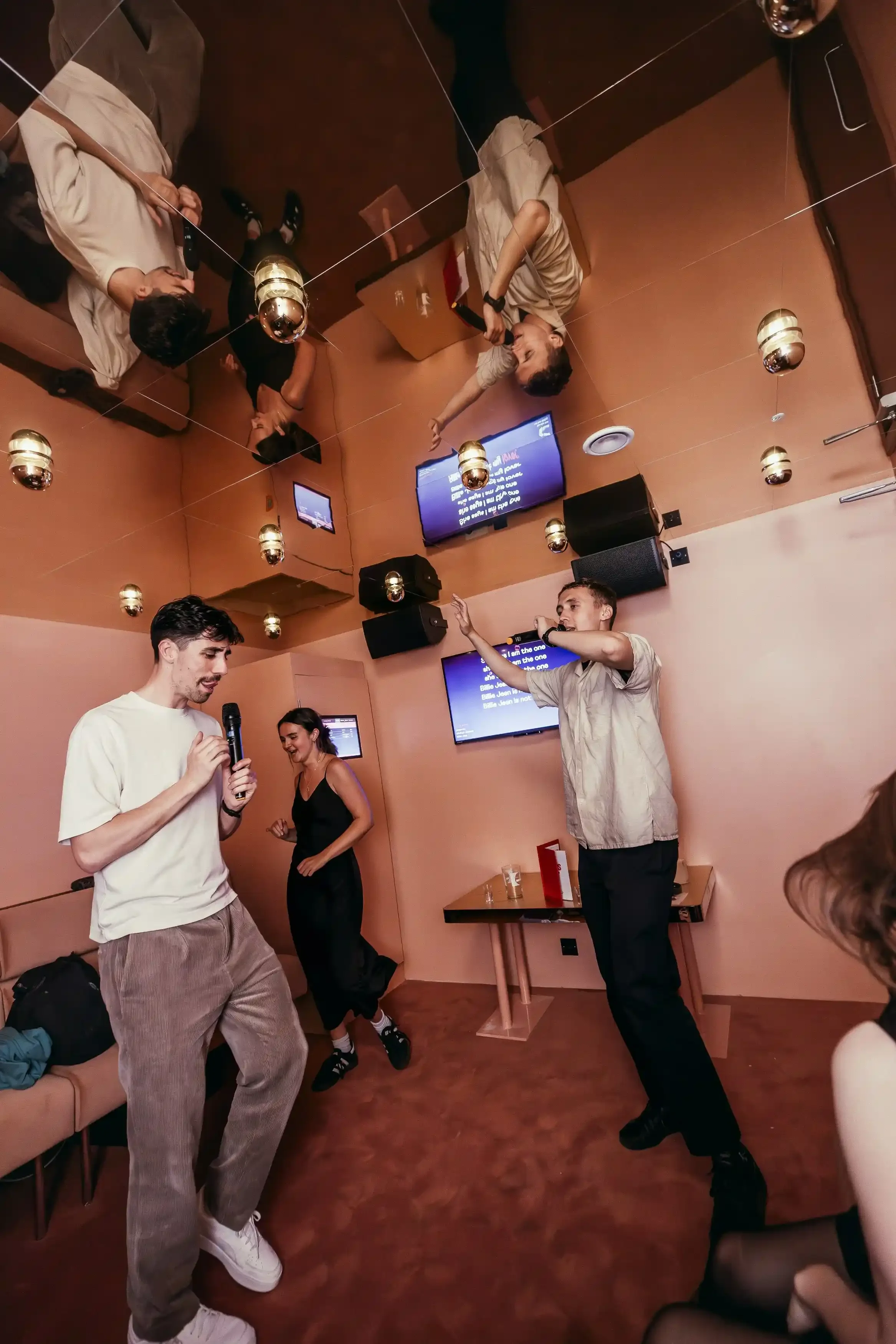

Lucky Voice karaoke software & systems
Lucky Voice Enterprise karaoke software is built specifically for commercial venues, combining a large licensed catalogue with tools to keep nights running smoothly for staff and guests. The software works across bars, pubs, hotels, private rooms and full karaoke venues, with features designed to keep queues organised, songs flowing and the atmosphere high.
Key software features for venues:
Thousands of fully licensed karaoke tracks across all genres, regularly updated.
Smart search and song request tools so guests can quickly find favourites.
Online and offline modes to keep the music going even if the internet drops.
Customisable skins to match your venue’s look and feel.
Intuitive, user-friendly layout so staff and guests can use it with no training.
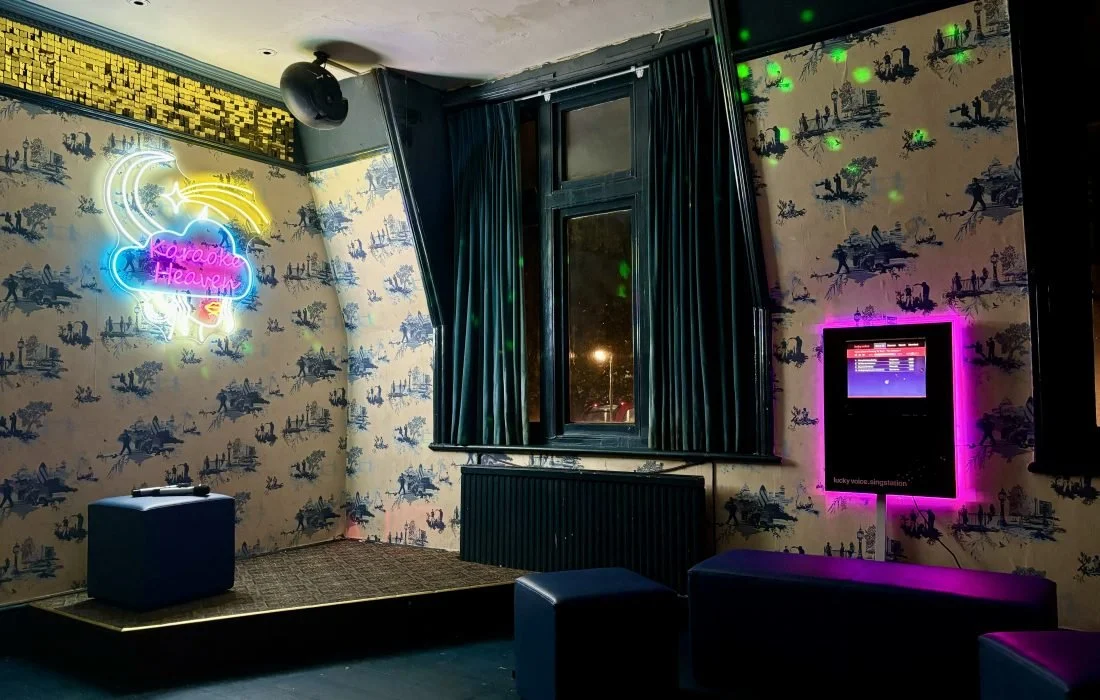
Singstation
The Singstation is an all-in-one, plug-and-play karaoke station that combines the software, touchscreen, PC and housing into one compact unit. It’s ideal if you want a professional, permanent karaoke point that looks neat on the bar or in a dedicated space, without piecing together separate components.
What Singstation typically includes:
Lucky Voice Karaoke Software with thousands of songs
A dedicated touchscreen interface.
A unit to house the hardware, plus connection points for your audio system.
Singing Tablet
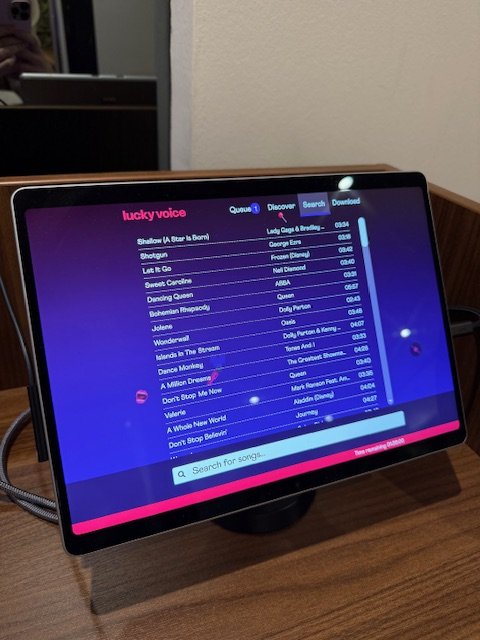
The Singing Tablet is a portable karaoke controller, perfect for venues that need flexibility across different rooms, events or pop-up spaces. Housed on a Microsoft Surface-style device, it can be wall-mounted, placed on a stand, or moved between areas to power singalongs wherever you need them.
Typical Singing Tablet setup:
Lucky Voice karaoke software preloaded onto the tablet.
Microphones (wired or wireless).
A TV or screen for lyrics display.
Mixer or audio interface.
PA system (amps and speakers).
Wall mount or stand, plus installation support where needed.
This is a strong choice if you run events, private hires or corporate nights in multiple spaces and want to move your karaoke solution without rewiring your entire venue.

Why karaoke works for revenue & guest experience
Karaoke doesn’t just entertain; it changes guest behaviour in ways that directly impact your bottom line.
Revenue and engagement benefits:
Higher average spend: Some London venues reported up to a 42% increase in average customer spend on karaoke nights versus regular nights.
Longer dwell time: Guests stay for more songs, rounds and snacks, which increases overall bar and food takings.
Extra bookings: Private karaoke rooms and karaoke-friendly spaces attract birthday parties, corporate events, and group celebrations.
New audiences: Themed karaoke nights bring in different demographics and encourage social sharing online.
One study of British bars and restaurants found that installing karaoke systems was associated with a 12.2% increase in return on assets, showing that karaoke can help venues use their space more profitably. As a recurring weekly or monthly event, karaoke becomes a predictable driver of bookings, walk-ins and repeat visitors who associate your venue with fun, memorable nights.
*Data taken from Aalto University
Why choose Lucky Voice karaoke products for your business
As the UK's most trusted private karaoke brand, Lucky Voice has delivered karaoke software and hardware to businesses including bars, nightclubs, restaurants, and hotels for over 20 years. Our technology is built to maximise customer engagement and revenue, whether for private karaoke rooms or full karaoke bars.
20 years of know-how in karaoke
Personal support with your own dedicated Account Manager
Tailored solutions with personalised setup guidance
Industry-leading technology that brings joy and keeps customers coming back
With Lucky Voice, you get more than just a karaoke system - you get a trusted partner in karaoke for your business.

How to get started with Lucky Voice
You can approach “setting up karaoke for your business” in a few simple steps, whether you run a single bar or a multi-site operation.
1. Define your karaoke concept
Decide whether you want open-mic nights on the main floor, bookable private rooms, or a combination of both.
Consider your target audience (after-work crowds, students, families, corporate groups) and when karaoke will run (weekly night, weekends, off-peak slots).
2. Choose your system type
Software-only if you already have strong AV and want to plug into existing screens and sound.
Singstation for a sleek, all-in-one station that stays in a fixed location.
Singing Tablet for flexible, portable karaoke across multiple spaces or events.
3. Confirm your equipment checklist
Ensure you have a suitable screen, microphones, mixer and PA system ready.
Check your internet connectivity, and plan for offline mode where needed.

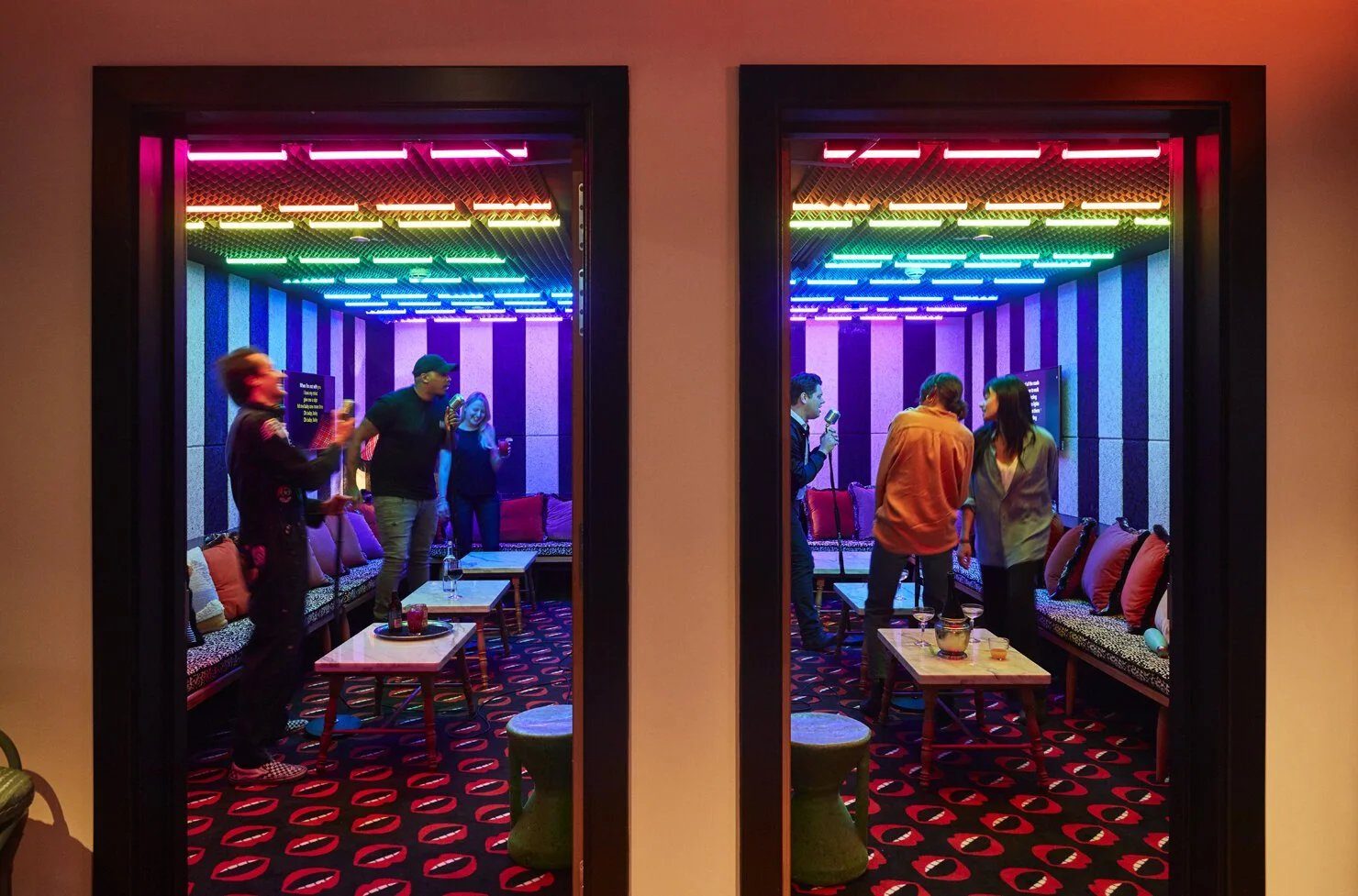
4. Plan your room layout and experience
Position screens and speakers so lyrics are easy to see and sound feels immersive without overwhelming other guests.
Think about seating, lighting and server access so staff can deliver drinks and food easily during performances.
5. Launch, promote and optimise
Promote your karaoke offering across social media, in-venue posters and booking confirmation emails.
Test different formats (themed nights, bundles, room hire packages) and track which nights and offers deliver the best revenue.
Top tips for a smooth karaoke launch:
Start with one or two regular karaoke nights to build momentum.
Bundle karaoke with drinks or food packages to increase per-head spend.
Train staff on the system so they can help guests quickly and keep the energy high.
Encourage guests to share on social media and tag your venue to amplify reach.
When you’re ready, you can speak to Lucky Voice about the best setup for your venue and get a tailored recommendation on software, Singstation or Singing Tablet, plus any additional equipment you might need.